Improved
Session expiry notice in the Dashboard Category
October 13th, 2026
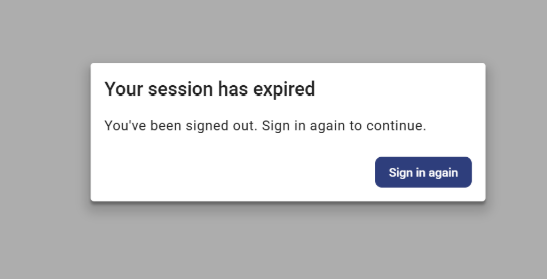
To help you get back on track when your session times out, we've introduced a session expiry notice in the Azupay Dashboard.
When your session ends, a dialog tells you that you've been signed out. Select Sign in again to continue. The Dashboard stays locked until you do, so no one can act on an expired session.
After you sign in, you return to the same account and page. Your filters and selections are still there. For your security, passwords, API secrets and expired tokens are never restored.