
Configure results when viewing Payment agreements
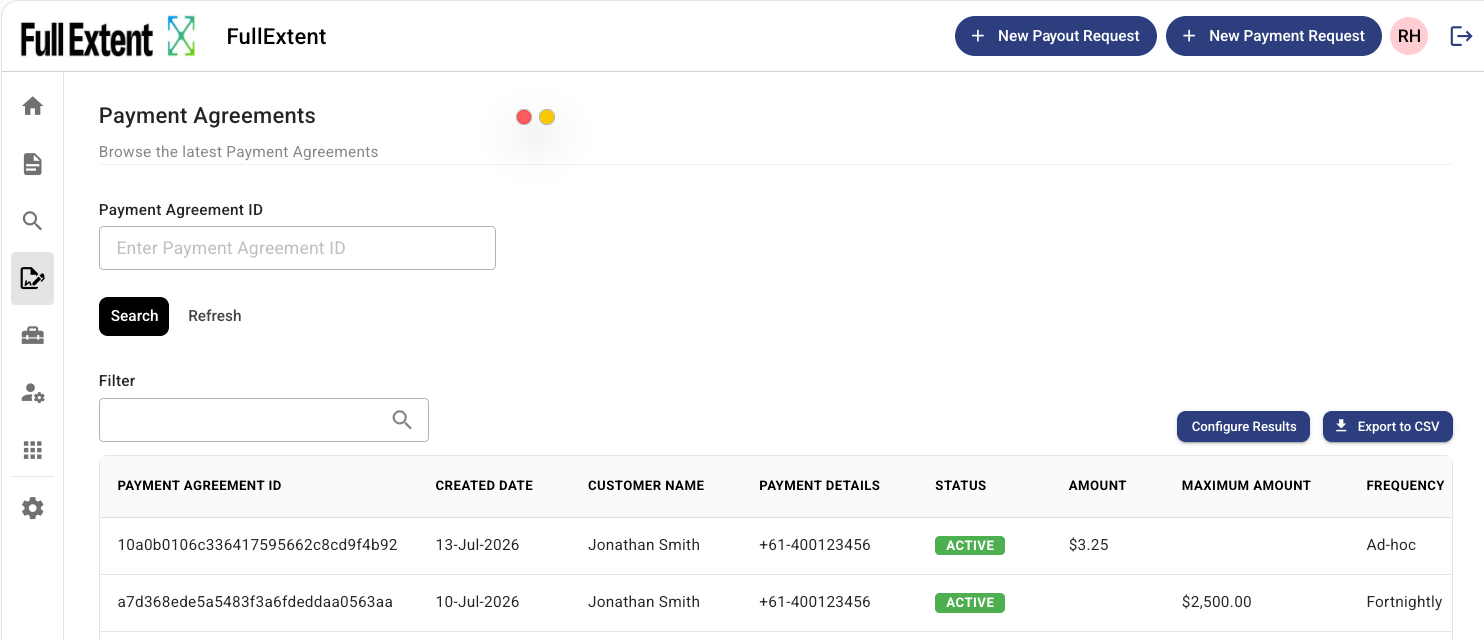
You can now choose exactly which agreement details to display on the Payment Agreements page in the Azupay client dashboard. Where the table previously showed only a limited set of fields, a new Configure Results button lets you surface the information Azupay holds about an agreement so you can build the view that suits how your team works.
A practical benefit: you can now see the reason an agreement is in a Cancelled state. By adding the reason fields to your view, you can quickly understand why a payer has cancelled an agreement and follow up with them accordingly.
Configure Results works the same way as your other transaction results tables in the Transcations section of the client dashboard - select the columns you want, save your preferred layout, restore the defaults at any time, and export your configured view straight to CSV.
📘 Learn more here: Viewing PayTo agreements