
PayTo agreement cancellation in the Azupay Dashboard
To give you more control over your PayTo agreements, we've introduced agreement cancellation on the Payment Agreements page of the Azupay Dashboard. You can now cancel an agreement on a payer's behalf without calling the API.
Expand an Active, Suspended or Created agreement and select Cancel agreement. A confirmation modal screen shows the agreement ID, customer name and status, so you can check it's the right one. Once the cancellation is confirmed, the status of the Payment agreement changes to Cancelled.
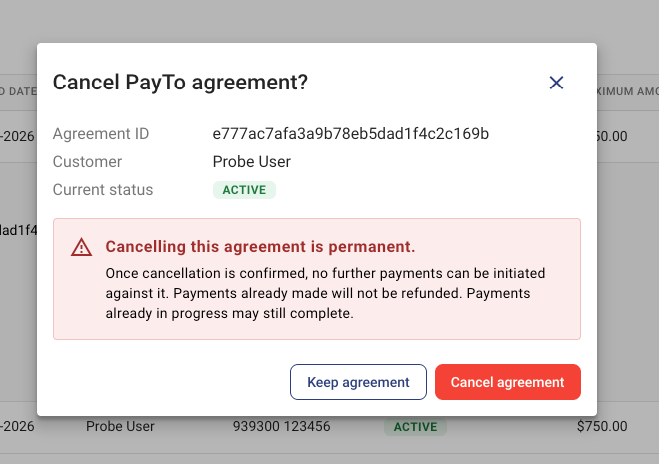
Still processing? You'll see Cancellation requested. Refresh to check the latest status. If the cancellation fails, an error appears and the agreement stays as it was.
Only Admin and Finance Admin users can cancel agreements. For everyone else, including Read Only users, the button is disabled. Cancellation cannot be undone.